
Community themes
Live wallpapers shared by FauxWall users. Open Themes in the app and tap Community to browse them. Every one is free, always.
Coming soon to Google PlayShare your own
Nobody can sell a Community theme, and FauxWall earns nothing from them.
Find something you love
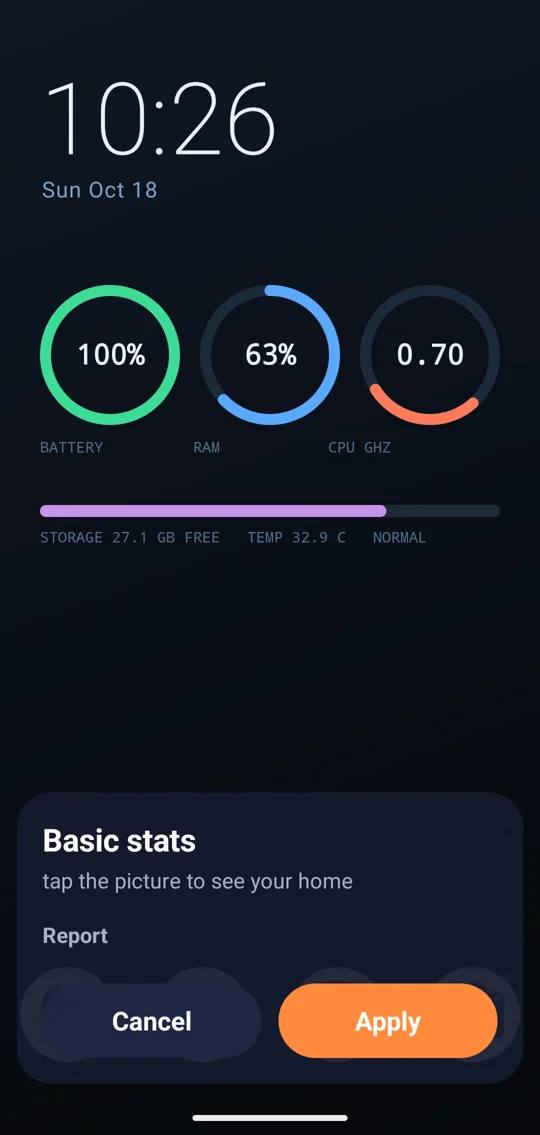
- BrowseOpen Themes, then Community. Every picture is drawn by your own phone.
- Follow a creatorTap More by in a theme's preview to see everything that creator has made.
- ApplyTap a theme to see it on your home screen, then tap Apply.
You're in control
Report
Something doesn't belong? Tap Report in the theme preview and pick a reason. FauxWall reviews every report.
Block
Don't want to see a creator's themes? Tap Block in the preview. You can unblock them any time in Settings.
Rights holders: if a Community theme uses your work without permission, email fauxapps@gmail.com with a link to the theme and the work it copies, and FauxWall removes it.